
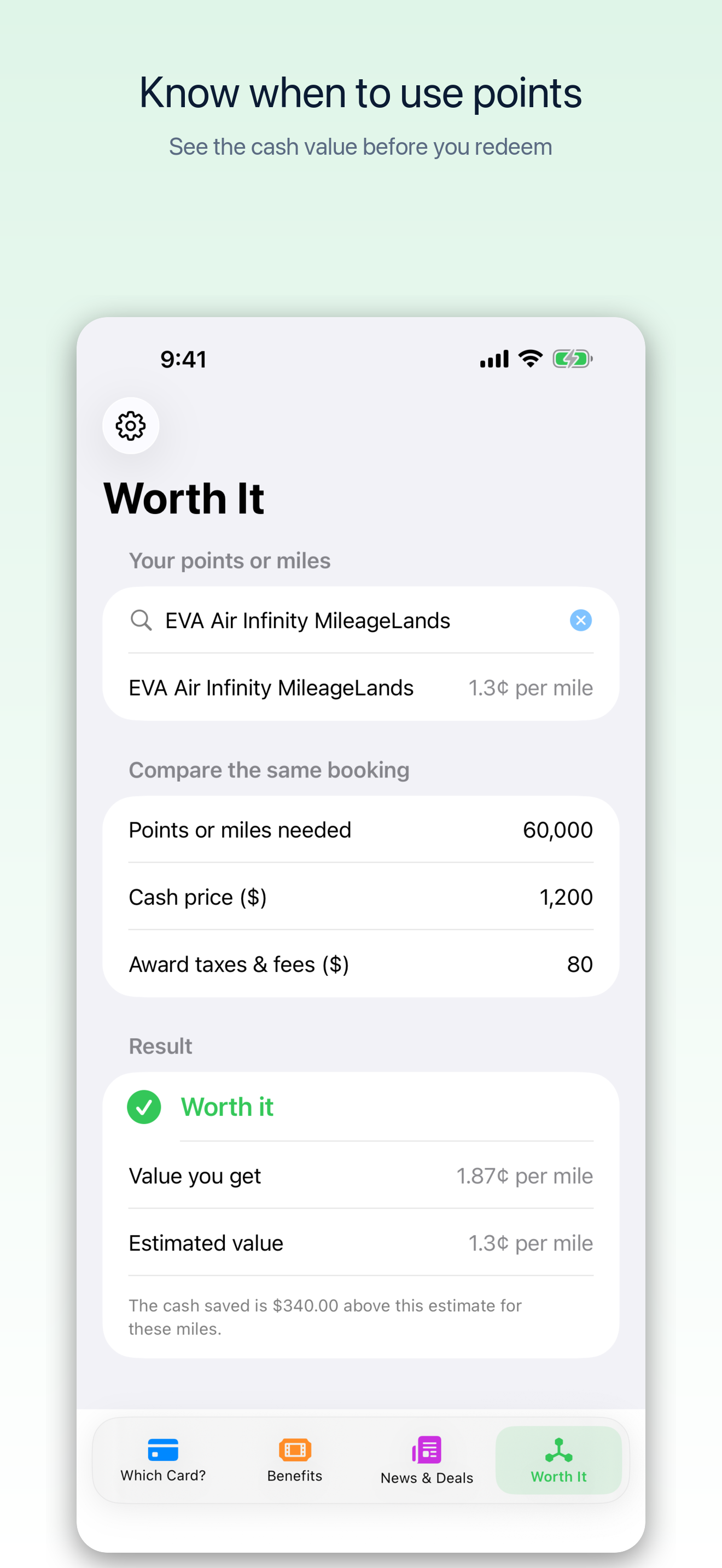
There is a moment in award booking when a big cash fare makes a points price look irresistible. I wanted CardPecker to slow that moment down just enough to answer a better question: after the award taxes and fees, how much cash would those points actually save?
That question shaped version 1.6.0. The app already helps with the spending side of a trip: which card to use and which benefits are left. Worth It brings the same quick comparison to the redemption side.
The math behind the answer
Start with the cash price for the same booking. Subtract the taxes and fees you still have to pay on the award. Divide that cash saving by the points or miles required. Worth It displays the result in cents per point or mile and compares it with the program's dated reference estimate.
For example, a $1,200 cash booking that costs 60,000 miles plus $80 in award fees saves $1,120. That is about 1.87 cents per mile. If the displayed estimate for that program is lower, the app calls the redemption “Worth it.” If it is higher, the app says “Not worth it.” It also shows the difference in dollars so the verdict has context.
The estimate is a benchmark, not a promise about what a mile is worth to every traveler. The cash fare needs to be a booking you would genuinely consider, and the award must be comparable in dates, cabin, cancellation terms, and included extras. CardPecker labels its reference values September 2026. The Points Guy publishes monthly valuations and explains how it develops them; the app shows the estimate used for your selected program.
Find the program without a long picker
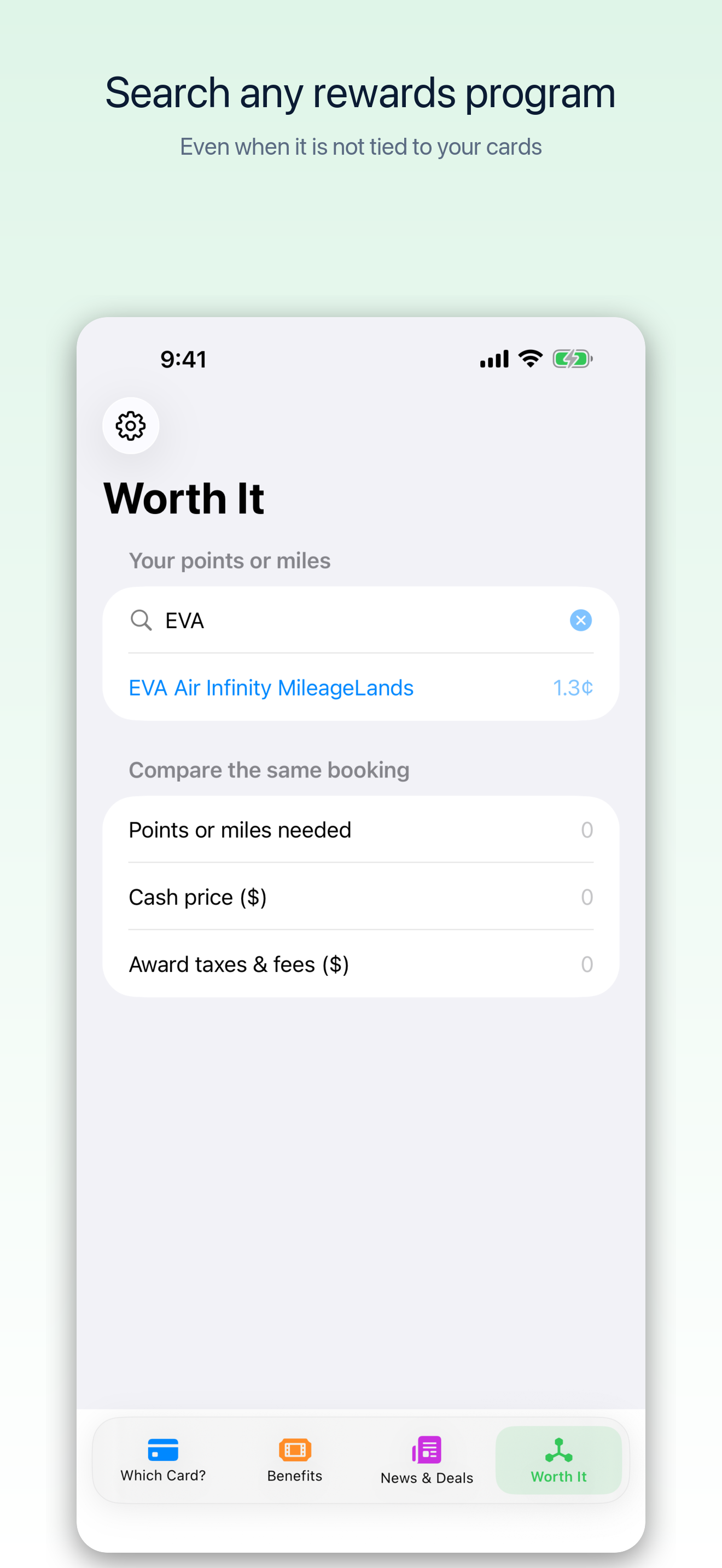
A redemption can use miles from a program that has nothing to do with the credit cards saved in CardPecker. Worth It therefore searches its supported programs independently of your wallet. Start typing a name, tap the matching suggestion, and enter the numbers for your booking. EVA Air Infinity MileageLands is among the searchable programs.
News and Deals, one place
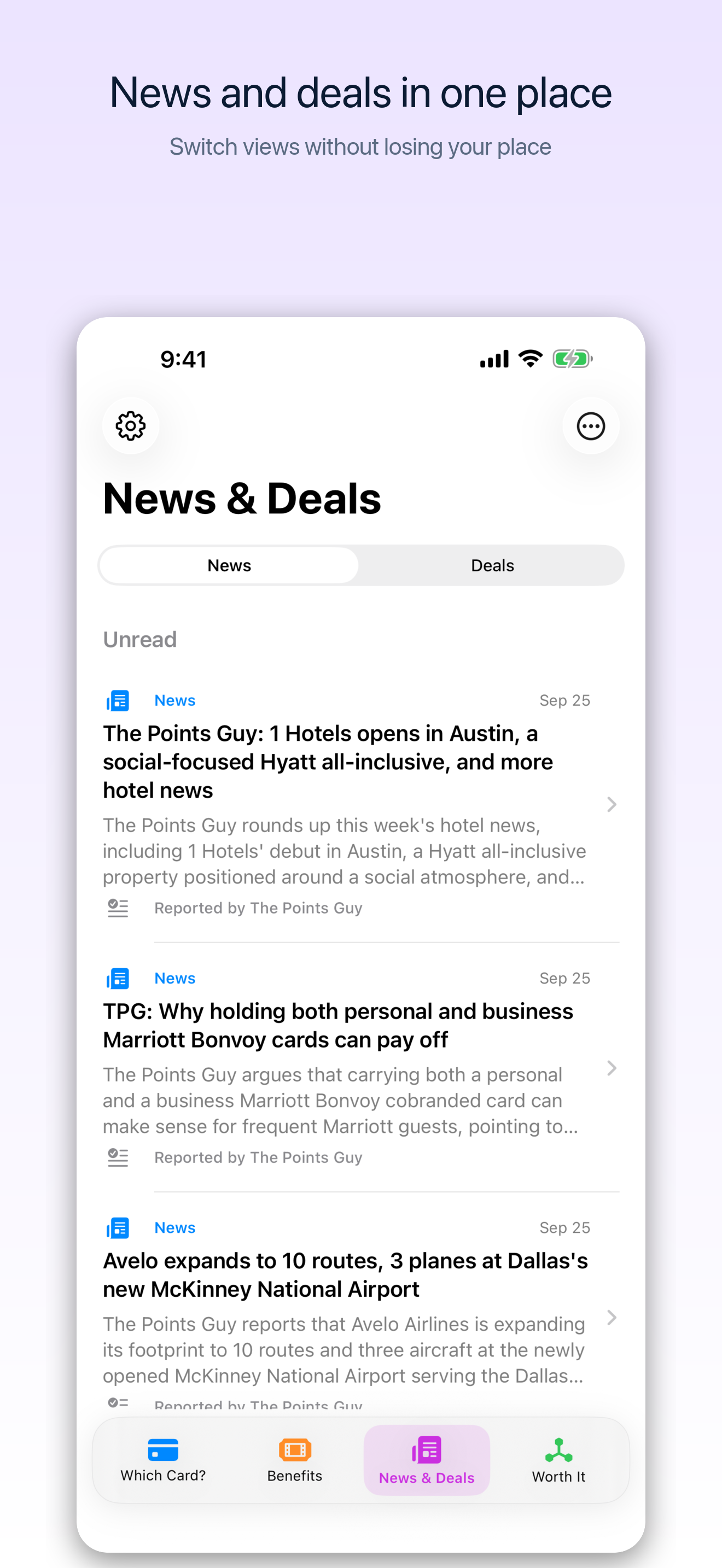
The other change is simpler: News and Deals share a bottom tab. Switch between card and travel updates and general savings without giving each its own place in the navigation. Items still link to their original sources, and the general deals feed is not built from your personal card or purchase history.
What I would check before redeeming
I would use the verdict as a first pass. Then I would confirm the current cash fare, award availability, taxes, cancellation rules, and whether I actually want to spend those miles now. A “Not worth it” result can still be the right personal choice if it makes a trip possible. A “Worth it” result does not make a poor itinerary good.
See the CardPecker product page for the full feature overview, or open CardPecker on the App Store. Version 1.6.0 has been uploaded to App Store Connect; its availability depends on Apple's processing and release steps.
This article describes CardPecker 1.6.0 as prepared on September 27, 2026. Reference valuations and award prices can change. Confirm current terms with the loyalty program and check the app's displayed estimate before making a booking.