
Four releases, one post
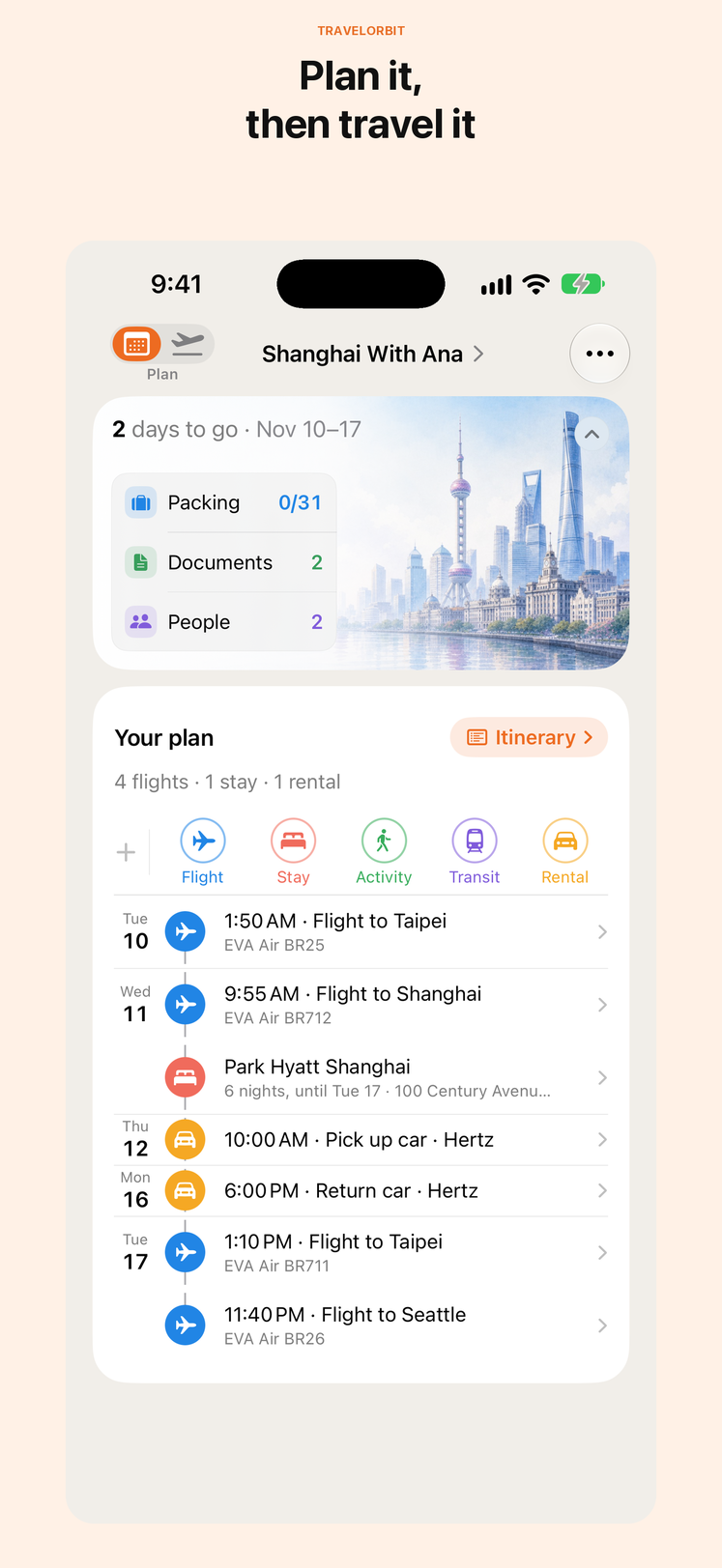
When I wrote about TravelOrbit 1.5.0 in August, the app had just learned to hold a whole trip together. Since then I have shipped 1.5.5, 1.5.6 and 1.5.7, and 1.5.8 is with Apple for review. None of them changed what TravelOrbit is. Each one removes a bit of friction a traveler meets on the road, which is why they read better as one story than as four changelogs.
A plan you can push around
Plans change, and the app should not make that feel like paperwork. Since 1.5.7 you can drag an activity to reorder its day. Drag it to another day, or move one that has a set time, and it opens so you can choose the new time instead of guessing for you. A restaurant can be marked Breakfast, Lunch or Dinner, and dragging two meals swaps them.
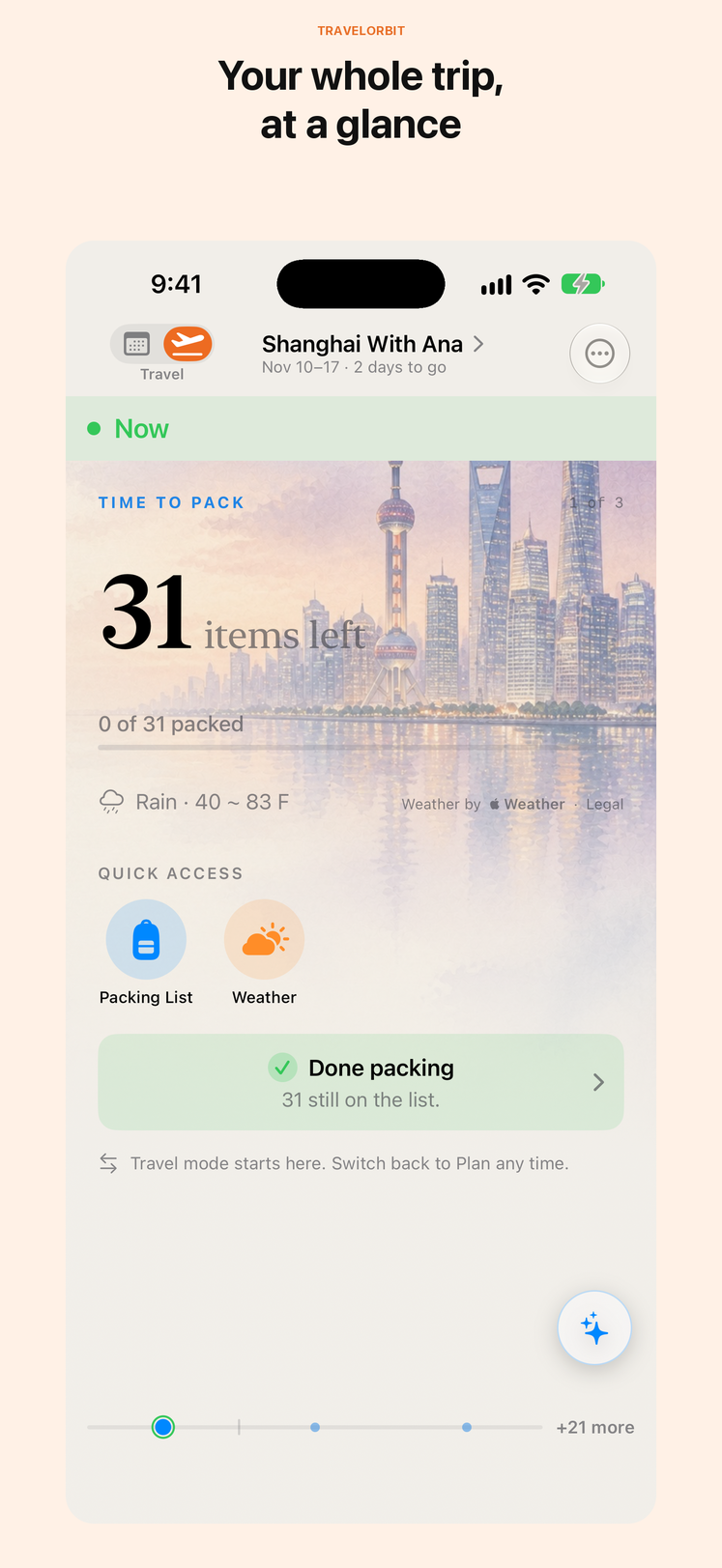
Arrival day got quieter too. Plans that belong at your destination now wait until you have landed, so the museum you booked in Tokyo does not nag you from the gate in Seattle. Pick a place in another city and the City field follows it. In 1.5.6, stays gained notes, every activity shows its address in its Plan row, and a sideways swipe on the trip's cover switches between Plan and Travel.
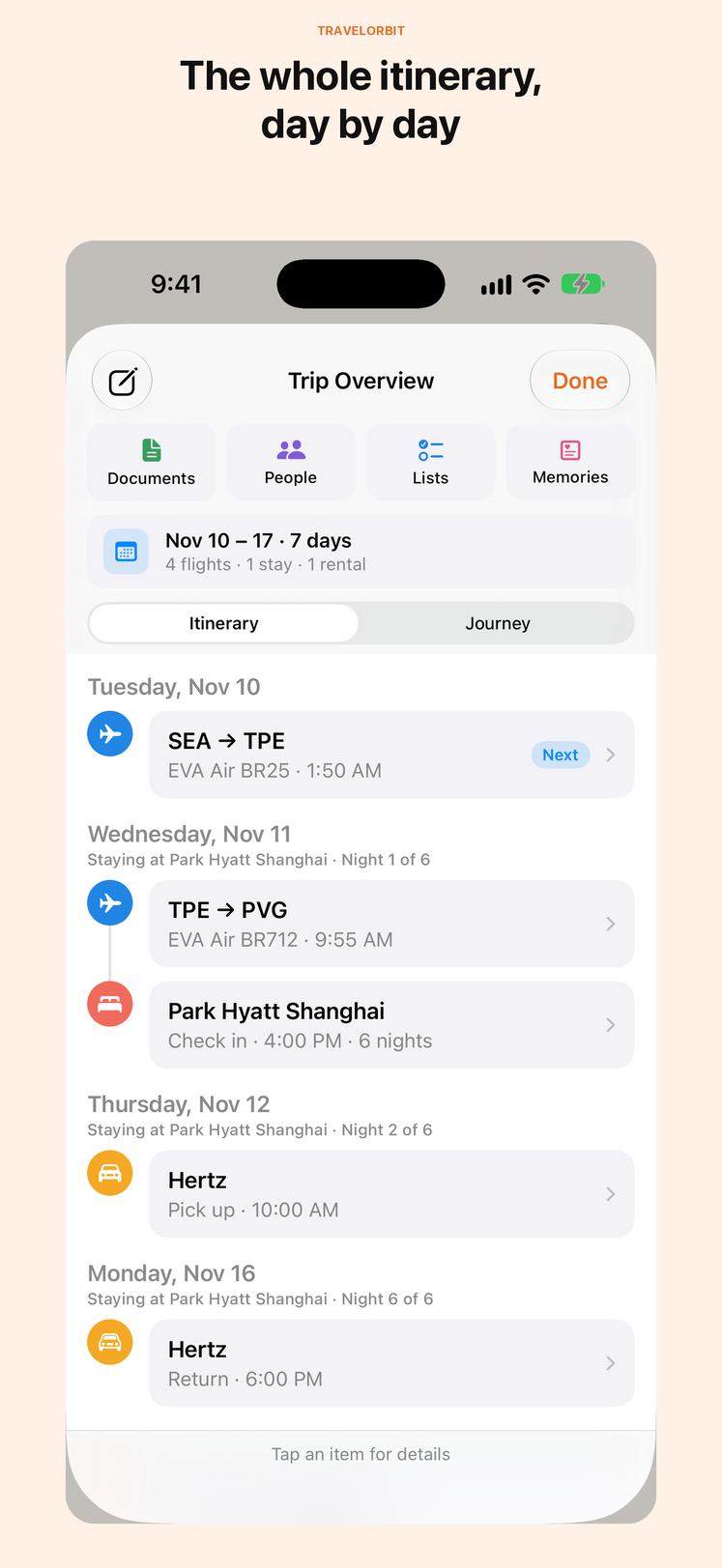
Plan check, the screen that points out gaps and tight connections, now remembers what you have already answered, and a trip can switch off its stay-gap warnings. It also stopped suggesting you “book ahead” for plans that already carry a confirmation or a seat.
Attach the thing you actually carry
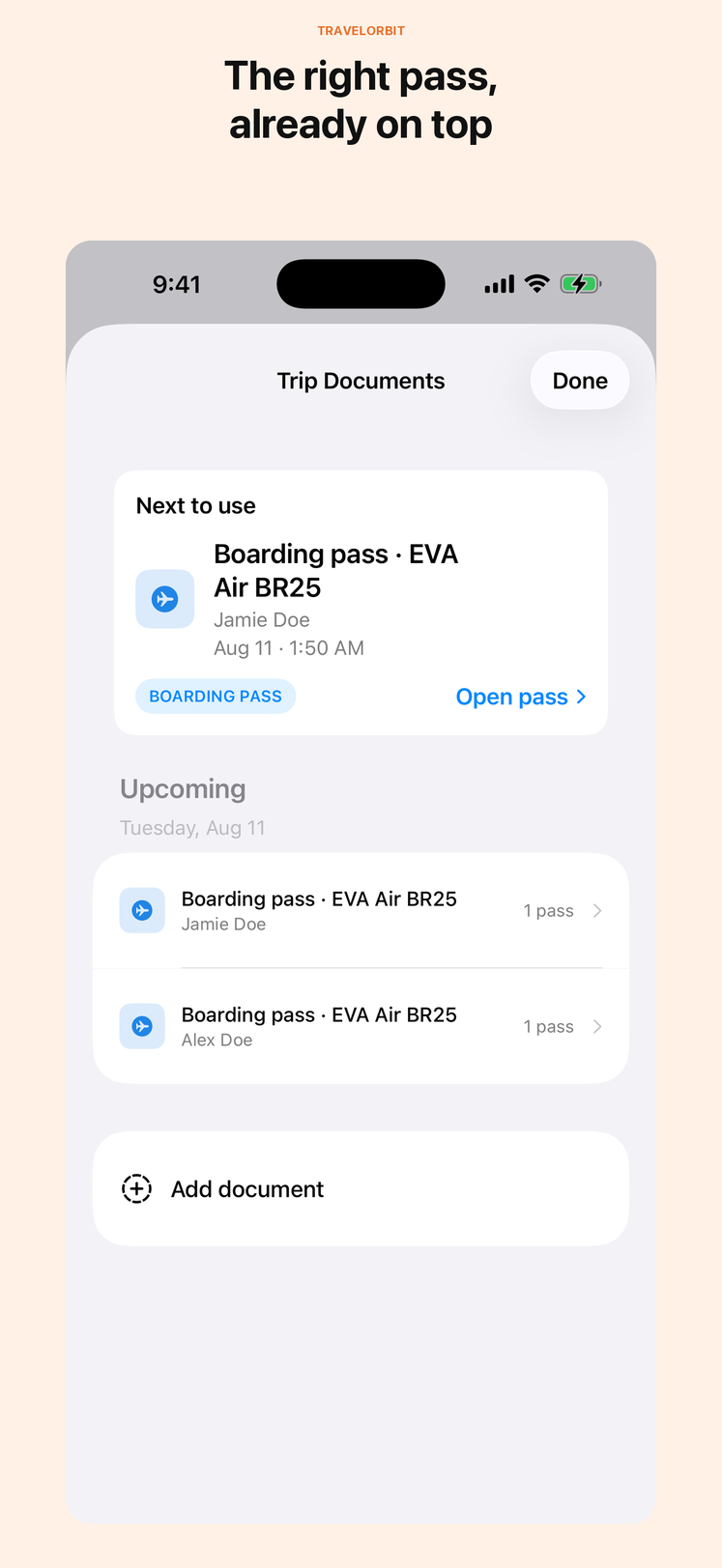
1.5.6 let a drive, a train, a stay or a flight hold a photo, a PDF or a link: the parking barcode, the hotel voucher, the ferry booking. They open from the trip, so the thing you need at the counter is one tap from the booking it belongs to.
Activities and car rentals were left with only a file picker, and the Files app cannot reach your photo library. In practice that meant the screenshot of a museum ticket had nowhere to go. In 1.5.8 every attachment menu offers Photo, and the whole “Add attachment” row opens it, not only the words.
China, in Chinese
Mainland China is where the app was quietly weakest: names turned into English and maps opened in the wrong place. Since 1.5.6, cities, hotels and addresses typed in Chinese stay in Chinese. Places in mainland China open in AMap on the place itself, and Settings › Map Sources lets you choose AMap or Apple Maps.
1.5.7 went further. A place typed in English searches AMap too, so you do not need to know the Chinese name to find it. A train opens as one AMap journey, and a pin beside each station opens that station. These are the moments when a traveler is standing in a station with a phone, and they should take one tap.
Packing that follows the trip
A packing template used to say “Socks” and leave the arithmetic to you. In 1.5.7 an item in your Personal packing template can carry a count: seven socks a week, or always two swimsuits. Each new trip works out how many from its own dates, so a ten-day trip and a weekend do not get the same list.
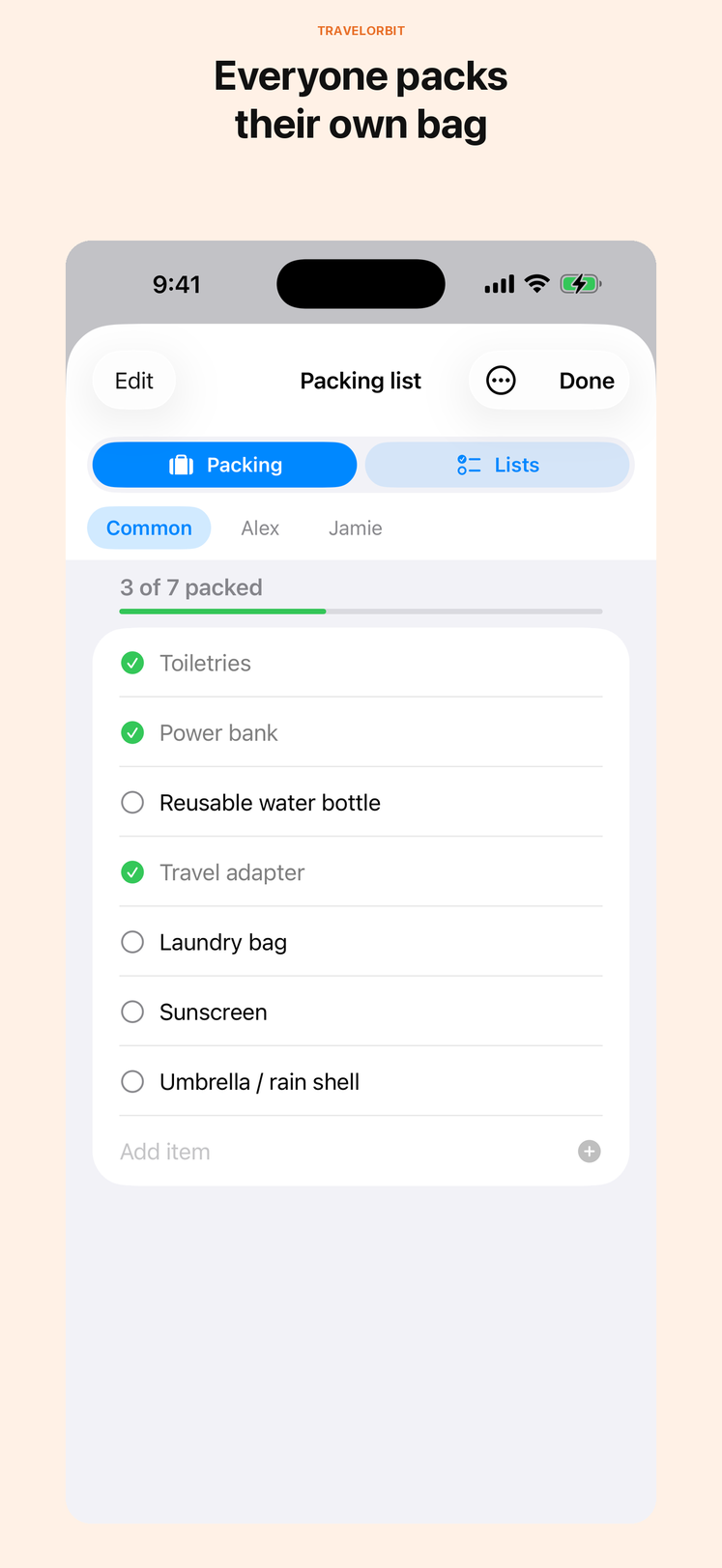
The reliability work matters as much. Packing templates are kept in backups and restored with them, and Chinese packing items no longer pick up English duplicates.
A faster Plan in 1.5.8
On a long, multi-city trip the Plan could feel sticky when flicked, worst right after opening the app. The cause was plain once measured: every row on the screen recalculated the whole trip's cities and rebuilt its own date formatting, so the work grew with the square of the plan's length. 1.5.8 places the trip once per redraw and reuses its formatting.
To check it, I built an 87-row trip across three cities and flicked it the same way after five fresh launches. The app's processor time over those flicks fell from 25.4 seconds to 14.7 seconds, about 42 percent less. That was measured in Apple's iPhone simulator, not on a phone, so take the number as direction rather than a promise. The gain grows with the length of the plan.
Traveling together
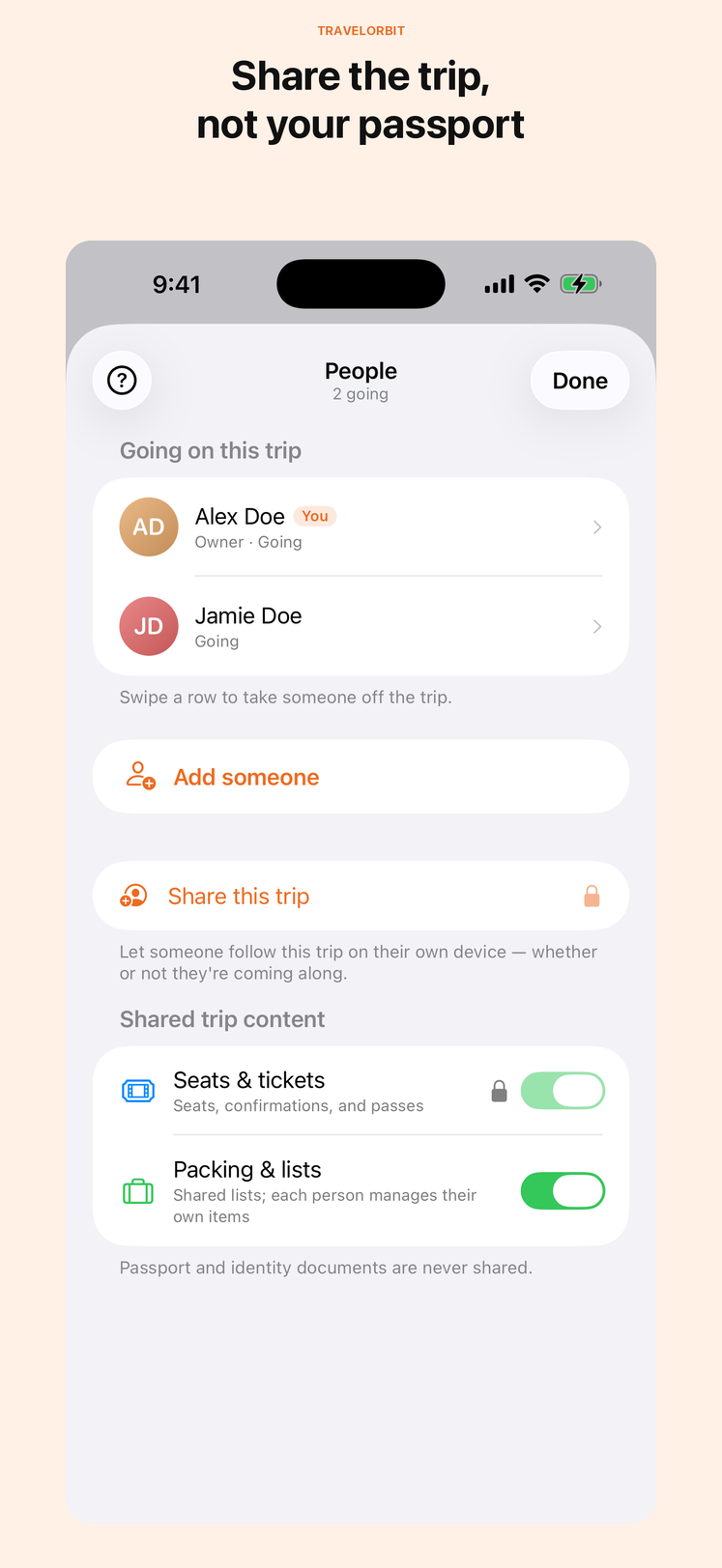
Two fixes for shared trips arrived in 1.5.6: travelers no longer appear twice after a restore with iCloud Sync, and Trip Preview leaves out places you have chosen to hide. Passport and identity documents are still never part of a shared trip.
For TravelOrbit Plus subscribers, trip cards can now carry notes about your venues, such as a closure or a reminder of when to book.
Release by release
- 1.5.5: bug fixes.
- 1.5.6: attachments on drives, trains, stays and flights; Chinese places stay Chinese; AMap and Map Sources; notes on stays; activity addresses in Plan; swipe between Plan and Travel; Plan check remembers; TravelOrbit Plus venue notes; backup and sync fixes.
- 1.5.7: drag to reorder; meals; arrival-day timing; the City field follows the place; packing counts; English search, trains and station pins in AMap.
- 1.5.8: smoother long plans; photos on activities and rentals; the whole attachment row opens its menu. In App Store review as of this post.
Get TravelOrbit
TravelOrbit is for a trip with more than one moving part: several cities, a few travelers, or a travel day where the question is simply what to do next. Start with the TravelOrbit product page or get the iPhone app on the App Store. If you already have it, 1.5.8 arrives as an ordinary update once Apple approves it.
This article describes TravelOrbit 1.5.5, 1.5.6 and 1.5.7 as released, and 1.5.8 as submitted for App Store review, as of November 15, 2026. Screenshots are from the App Store listing. App behavior, subscription availability, map providers, iOS requirements and App Store information can change; check the current product page and in-app disclosures before relying on a feature.